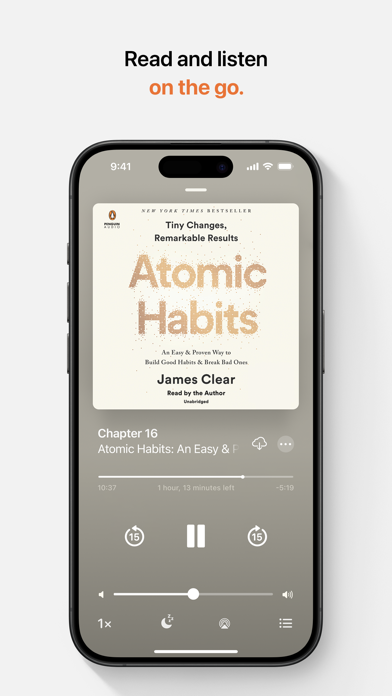
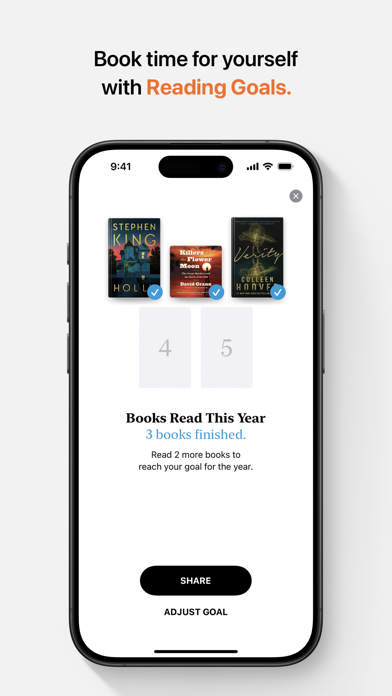
Apple Books is the best place to discover, read and listen to entertaining and informative books and audiobooks. Browse through top charts, personalised recommendations and expertly curated collections in the Book Store and Audiobook Store, or use search to easily find the perfect read or listen, no subscription needed. Track what you’ve read and want to read, and set your own reading goals—all in one app and across all your Apple devices. Explore millions of books and audiobooks • Check out today’s bestsellers, free books and special offers for readers of all ages, plus personalised recommendations. • Explore collections curated by the Apple Books team to find your next book or audiobook in your favourite genres, from mysteries and thrillers to romance, history, self-development and kids. • Sample any book or preview an audiobook to start enjoying the first few pages for free. • Keep track of the books and audiobooks you’re interested in with your Want to Read list. Customise your reading experience • Choose from a selection of reading themes, which include a variety of fonts and background colours. • Make your book easy to read by adjusting line height and letter spacing to your preference. • Use Auto-Night Theme and adjust your screen brightness to make reading more comfortable for your eyes. • Enable vertical scrolling to move continuously through books instead of flipping pages. Make reading a habit with Reading Goals • Set a reading goal to encourage yourself to read daily. • Track reading streaks and how many books you’ve read this year. • Get reminders and coaching to help you achieve your reading goals. Share with your whole family • Family Sharing lets you enjoy your books and audiobooks with your favourite people. Invite up to five family members. Apple CarPlay • Designed with safety in mind, the Audiobooks app in Apple CarPlay allows you to listen to audiobooks while driving. • Large buttons make it easy to start and stop, rewind or fast forward, and the simplified library helps you find your next audiobook while still keeping your eyes on the road. Apple Watch features • Use the Audiobooks app on Apple Watch to get back to your recent audiobooks or browse your library right from your wrist. • Use the Watch app on iPhone to choose which audiobooks to download to your Apple Watch. Requirements & store availability • iPhone requires iOS 11 or later. • iPad requires iPadOS 11 or later. • Content varies by country or region and may not be available on all devices.