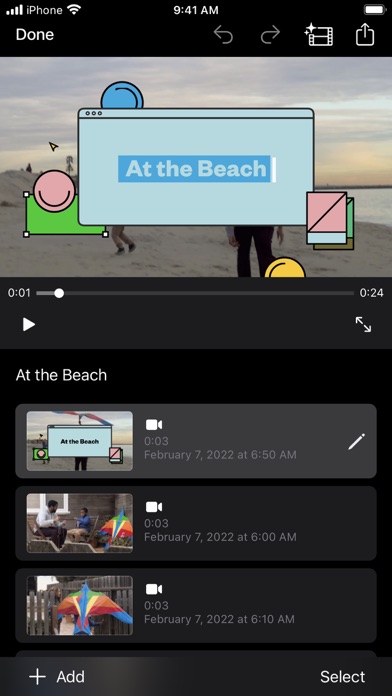
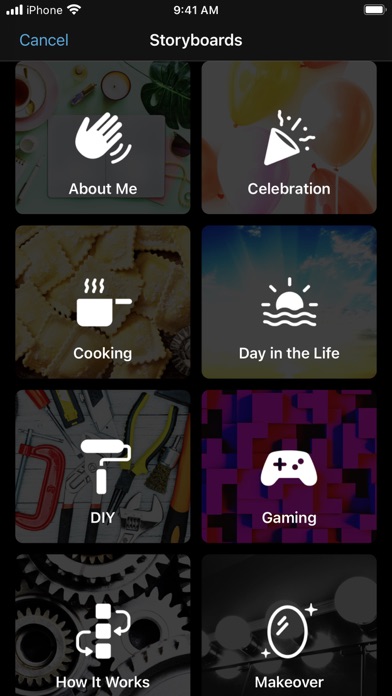
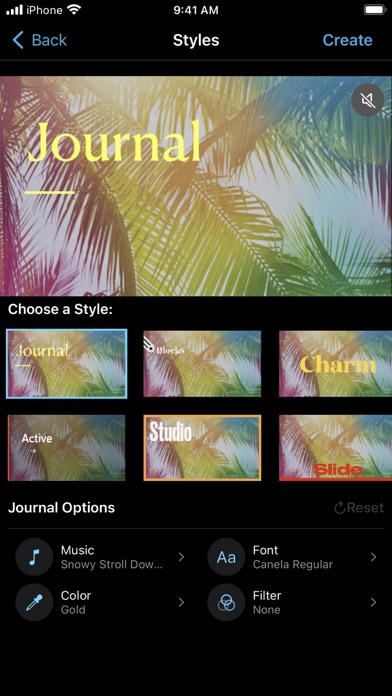
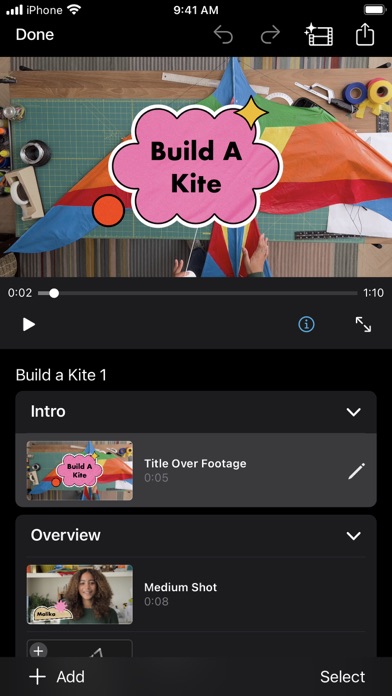
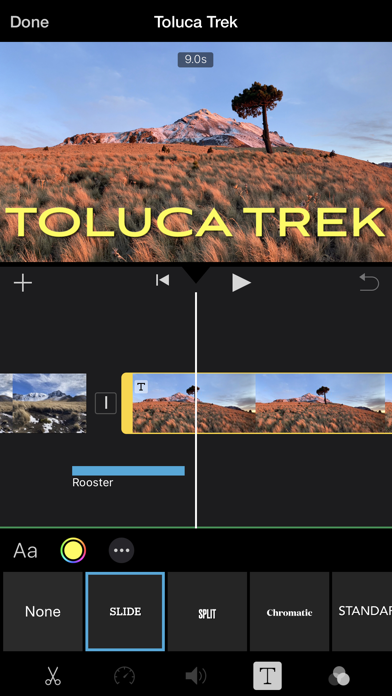
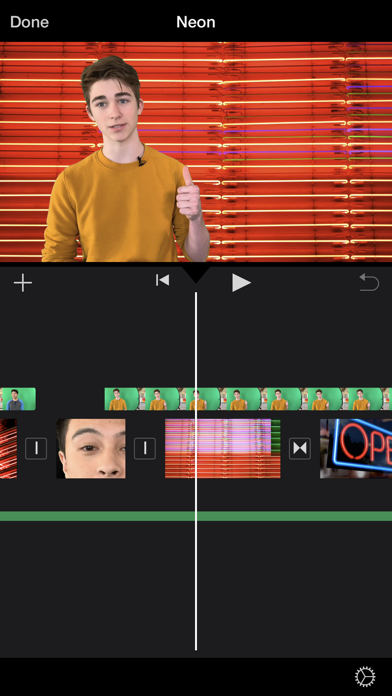
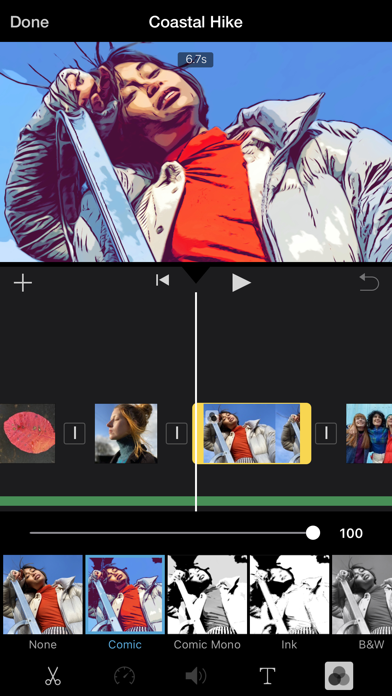
With a streamlined design and intuitive Multi-Touch gestures, iMovie lets you create Hollywood-style trailers and beautiful movies like never before. Instantly create Magic Movies • With just a few taps, you can create and share a beautiful, custom video • Select an album or group of videos or images and iMovie will create a video for you—no video editing required—with titles, transitions, and music • Easily rearrange or delete clips in the simplified shot list • Apply a different style to change up the look and feel of the whole video Learn storytelling with Storyboards • Choose from 20 Storyboards that help you get started with popular video types • Record video or take photos right into each placeholder clip, or add media from your Photos library • Add, reorder, and delete clips as needed to organize and customize your story • Apply a dynamic visual style that includes title layouts, fonts, filters, color palettes, and music Make Hollywood-style trailers • Choose from 14 trailer templates with stunning graphics and original scores by some of the world’s top film composers • Customize movie studio logos, cast names, and credits • Select videos and photos for your trailer or record video right in iMovie Create beautiful movies • Choose from 8 unique themes with matching titles, transitions, and music • Give your movie the perfect look with 13 Apple-designed video filters • Choose from 11 animated title styles like Split, Reveal or Pop-up • Adjust any title by changing its font, color, size, location, and more • Add solid, gradient, and patterned backgrounds to your movie • Import and edit video captured in Cinematic mode on iPhone 13 or later • Add, adjust, and delete focus points and modify the depth of field effect in video recorded in Cinematic mode* • Easily add picture in picture, green screen, and split screen effects • Select from more than 130 soundtracks that automatically adjust to the length of your movie • Add sound effects, songs from your music library, and your own narration • Connect a keyboard and use simple shortcuts to edit movies quickly • Connect a trackpad or mouse to iPad for fast and accurate moviemaking iMovie everywhere • Transfer projects between your iPhone and iPad using AirDrop or iCloud Drive • Send projects to your Mac via AirDrop or iCloud Drive to finish editing with iMovie or Final Cut Pro • Connect an external display to your iPhone or iPad and choose to mirror the iMovie interface or display your video fullscreen while you edit** Share with friends and family • Send videos with Mail and Messages • Save to your Photos library in resolutions up to 4K at 60 frames per second*** • Export videos optimized for Instagram, YouTube, and other popular video destinations * Requires iPhone XS or later, iPad mini (5th generation or later), iPad Air (3rd generation or later), iPad Pro 11-inch or iPad Pro 12.9-inch (3rd generation or later) ** External display support requires iPhone 7 or later, iPad (6th generation) or later, iPad Air 3 or later, iPad Pro 12.9-inch (2nd generation) or later *** 4K at 60 frames per second support requires iPod touch (7th generation), iPhone SE (2nd generation), iPhone 7, iPad (6th generation) or later, iPad mini (5th generation), iPad Air 3 or later, iPad Pro 10.5-inch or later