Microsoft SharePoint

Microsoft SharePoint

By Microsoft Corporation

  • Category: Productivity
  • Release Date: 2016-06-20
  • Current Version: 5.0.1
  • Adult Rating: 4+
  • File Size: 79.83 MB
  • Developer: Microsoft Corporation
  • Compatibility: Requires iOS 18.6 or later.
Score: 4.62413
4.62413
From 137,338 Ratings

Description

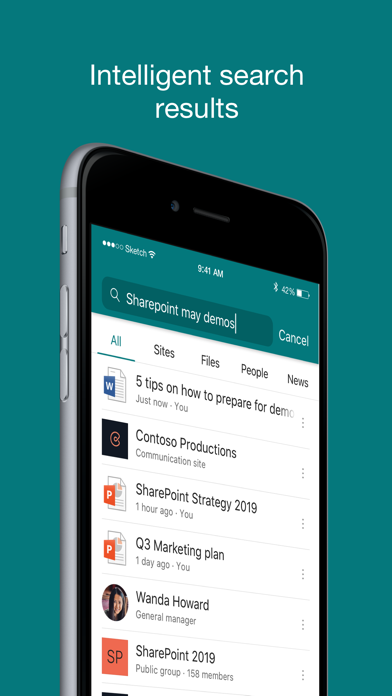
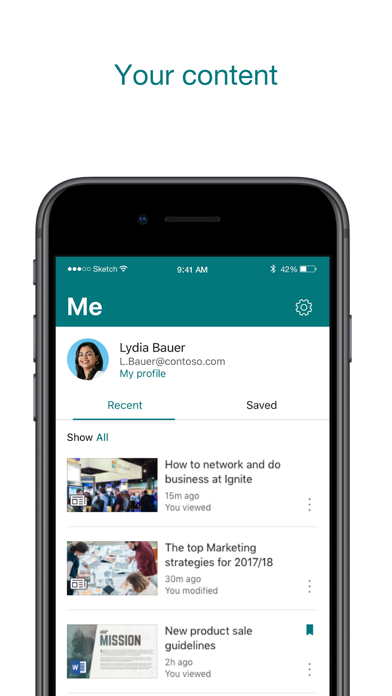
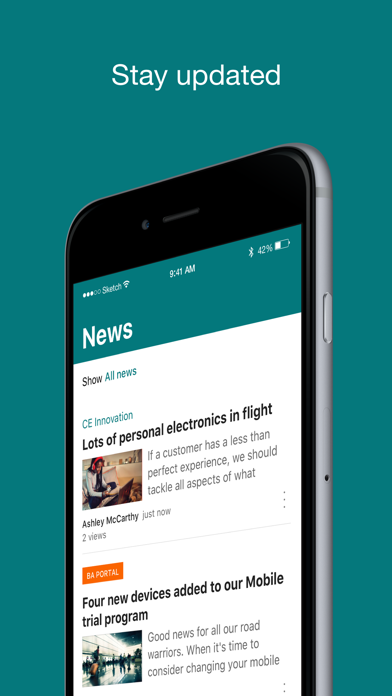
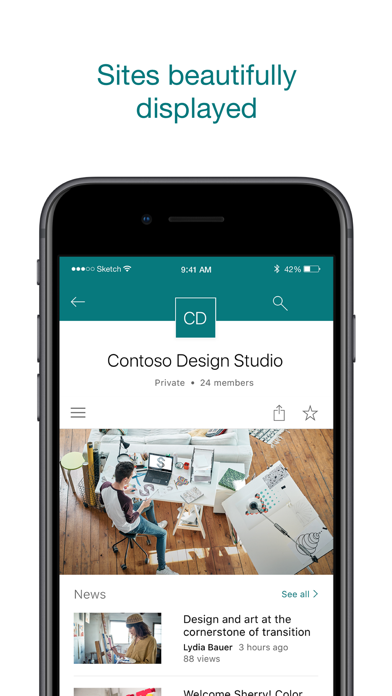
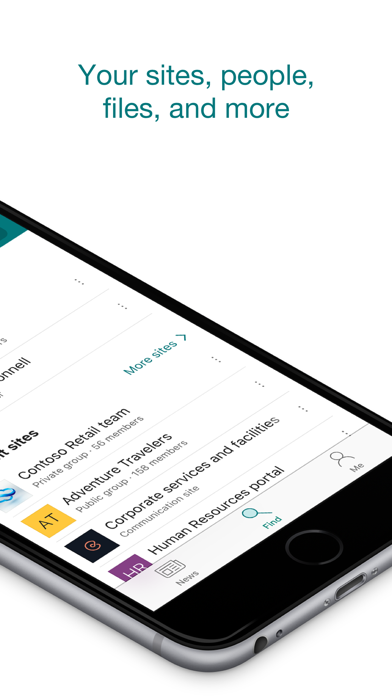
Find files, news, sites and people - personalized for you and your organization. SharePoint infuses AI into the mobile app experience to keep you focused and productive while on the go. AI builds an understanding of what you work on, how you work, and how your colleagues' work relates to you. When you need expertise, content, or resources when you're on the go, SharePoint is a great place to start looking.   · Browse your sites, files, people and more to get back to what you were working on  · Use search to find and discover important content · Access your personalized view of team sites, communication sites, and news posts  · Tap on a user to get to their contact card and see who they work with and what they are working on · Create news posts on the go and share your updates, reports, status, and experiences with your team · Sign in to your SharePoint sites, whether they're in the cloud or on-premises. The app works with SharePoint Online and SharePoint Server versions 2013 and higher · Add multiple accounts, and easily switch between them   What people are saying:   The SharePoint mobile app has been featured in TechCrunch, The Verge, ZDNet, PCWorld and Computerworld.   Over 2 years of app store reviews: "making collaboration easier than ever!!""" "keeps me connected with my office documents and coworkers" "seamless integration with other Office apps" "it's so easy and simple to use!!"   Note: To sign in to SharePoint, your organization needs to have an Office 365 subscription that includes SharePoint Online or an on-premises SharePoint Server. This app is provided by Microsoft. Data provided through the use of this store and this app may be accessible to Microsoft and transferred to, stored, and processed in the United States or any other country where Microsoft or its affiliates maintain facilities.

Screenshots

Reviews

  • Not useful

    1
    By JimCr1ck3t
    Was told to download the sharepoint app. It is unhelpful and nothing like the sharepoint website they told us to use. None of the links on the website are showing up in the app.
  • Very clunky and hard to navigate.

    1
    By JiggyJetsYo
    It’s just not user friendly. I use it on iPad and iPhone and it is a constant struggle to find links, open links, save files for offline work.
  • Worst product ever only gets worse

    1
    By equals 42
    Please just kill this abomination. Where is anything in SharePoint? No one knows. It’s where data goes to get lost.
  • Just let me use the app

    1
    By Kappavgk
    That’s why I logged on. Stop barraging me with pop-ups
  • Alissa

    1
    By Alssa2638
    This app is awful! Worked the first week, and now can’t see anything!
  • Terrible product

    1
    By Saint Paul Golfer
    Make it be able to create a doc in the app like it’s 2026 come in Microsoft
  • Sign-ins Galore!

    1
    By Unhappiest User Already Taken
    I have to sign in like 5x every time I want to get anything done. Outlook is a horror show: I pin EVERYTHING important so I can find it later and I’m up to like 30 pinned emails to scroll past when I want to check email. Search terms rarely work. It’s a First World nightmare.
  • An Embarrassment

    1
    By Fitzbattleaxe
    How a company as affluent as Microsoft can ship a user interface this embarrassing is beyond me. Truly one of the most outstandingly awful pieces of software that is widely used.
  • ❤️

    5
    By bohdanai
    Amazing
  • Muy útil

    5
    By Álvaro MH
    Perfecto para mis procesos

keyboard_arrow_up