Windows App

Windows App

By Microsoft Corporation

  • Category: Business
  • Release Date: 2017-11-28
  • Current Version: 11.3.5
  • Adult Rating: 4+
  • File Size: 112.18 MB
  • Developer: Microsoft Corporation
  • Compatibility: Requires iOS 14.0 or later.

Description

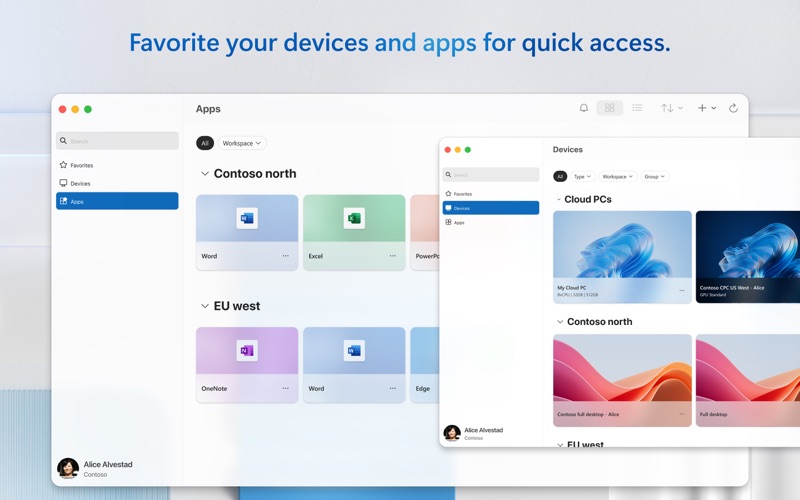
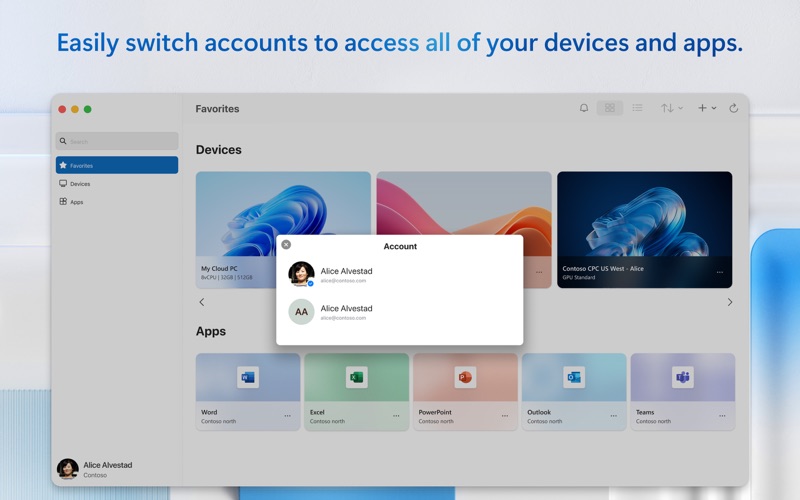
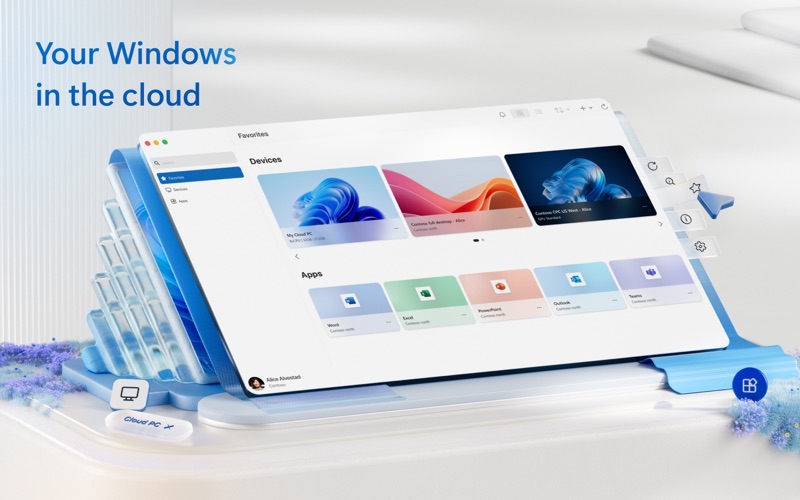
Windows App for Mac (previously named Microsoft Remote Desktop) is your gateway to securely connect to Windows including remote PCs and admin-provided virtual apps and desktops across Windows 365, Azure Virtual Desktop, Dev Box and Remote Desktop Services. Embrace the simplicity of a unified client with Windows App and connect to Windows in the cloud with ease and security, from the device of your choice. GET STARTED • Learn more about the features of Windows App at https://aka.ms/WindowsApp. • Configure your PC for remote access using the information at https://aka.ms/rdsetup. KEY FEATURES • Access remote PCs running Windows Professional or Enterprise and Windows Server. • Access managed resources published by your admin. • Connect through a Remote Desktop Gateway. • Simplified management of your connections and credentials from the Connection Center, including a Favorites page to cater to your unique workflow needs. • Audio and video streaming. • Redirect folders, your clipboard, and local devices such as microphones and cameras. • Teams Media Optimization. • Support for multiple monitors. By downloading Windows App, you agree to the license (see https://aka.ms/WindowsAppLicense) and privacy terms (see https://aka.ms/privacy).
Screenshots

Reviews

  • Work most of the time

    4
    By eaglevoice
    Works well with Windows 11. However, when using it with Ubuntu using Wayland it freezes at times.
  • Laggy and external device mapping is broken

    1
    By yinlogn
    Finally got to log in and use, the remote connection is lagging and performs much worse than the old RDP protocol. External device mapping must be buggy because my webcams get stuck in the on position after use. Screen resolution is also buggy while resizing and had to restart multiple times to address. Overall buggy and laggy and not desirable to use.
  • Does what it is supposed to do

    5
    By quartz59
    Need to connect to your PC at work. Does it well, and even resizes the screen better than a Windows PC does.
  • Works well enough

    4
    By Linkdash2008
    I can do what I want on my windows laptop. Almost no hassle.
  • Work only

    1
    By Servo1000
    This app relabeled my Mac as a work device. In order to use windows on a different machine not needing a parallel access second subscription I tried this. Microsoft did what they do check to see if the app will enroll the device. I once again now have a Mac that tells me my organization controls this device. Office 360, out look one drive, this, and edge if set incorrectly. I am uninstalling it and hope it reverts. If not after successfully setting up all my devices this one killed it. If Duck Duck go disabled enough security this app or others like it contributed. Good idea bad execution.
  • Hard to find the “Sign In” button

    3
    By uid:533231
    Overall decent app, but very hard to find the sign in button once you sign out. It just doesn’t make sense to have a profile area showing up in the bottom left corner when you are signed in but it disappears after you sign out. And you have to basically try every button to see if there is a sign in button, this is ridiculous
  • Overall Good needs stronger ssh

    4
    By IamMrBTaylor
    I like it as a minimalist RDP solution but wish it had stronger support for non-windows systems
  • Completely Broken After Upgrade From Microsoft Remote Desktop

    1
    By n0r00t4u
    This app is now completely broken after it was upgraded from the Microsoft Remote Desktop app (which worked fine). No longer connects to any Windows computer and we only get error 0x104. I’ve tried many solutions found via Google with no luck, so I’ve deleted the app. Thanks Microsoft
  • Pretty good

    4
    By Ritejert01
    I wonder why Microsoft’s Mac apps are better than their Windows counterparts…
  • Embarrassing

    1
    By justin 0111
    It’s sad to see so many bugs and basic problems, issues that seem to be mentioned as if they’re commercials or advertisements in the review section here. How many versions of this has there been and how many upgrades have they done and this app is still NOWHERE close to being functional. Wasting so much of my time having to re-sign back in, getting out of sleep (if it comes out at all) or just wondering if it’s going to be a blank screen. Hey guys - it takes 8 minutes and a cup of coffee and the absolute minimum requirement of caring, in order to read some of the comments to see what needs to be fixed. Yet, here we are. Im starting to believe whoever made this app is really people with an MO to punish MAC users for having gone a different direction, lol

keyboard_arrow_up