Microsoft To Do

Microsoft To Do

By Microsoft Corporation

  • Category: Productivity
  • Release Date: 2017-04-19
  • Current Version: 2.169
  • Adult Rating: 4+
  • File Size: 157.75 MB
  • Developer: Microsoft Corporation
  • Compatibility: Requires iOS 17.6 or later.
Score: 4.72706
4.72706
From 259,445 Ratings

Description

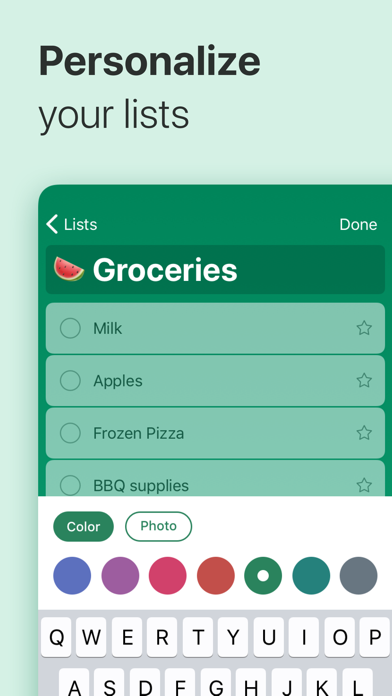
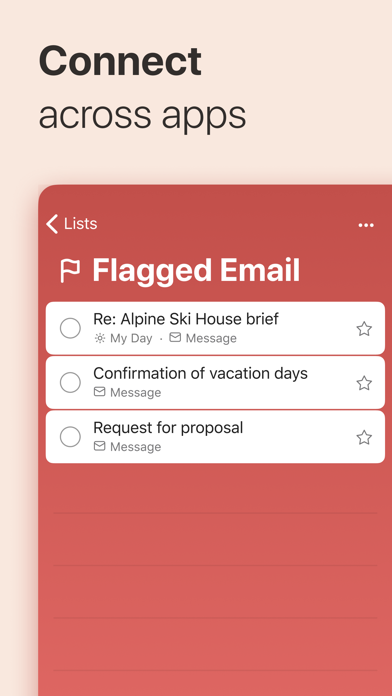
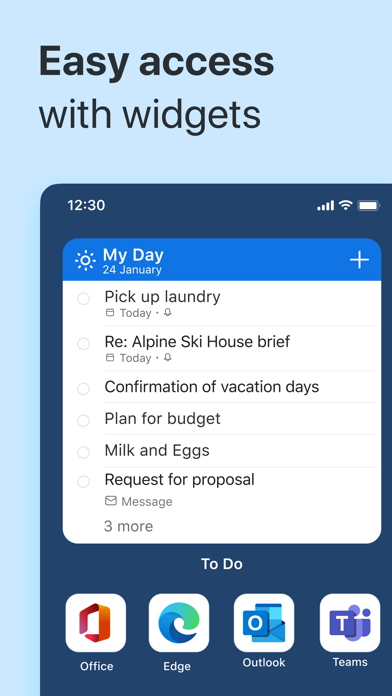
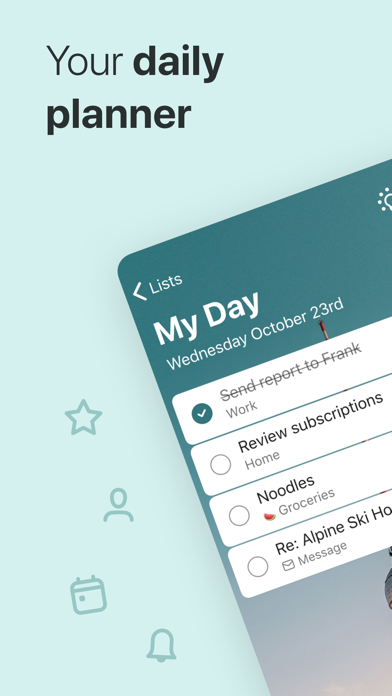
Stay organized and manage your day-to-day with Microsoft To Do. Make shopping lists or task lists, take notes, record collections, set reminders and more to improve your productivity and focus on what matters. Microsoft To Do is the task management app that makes it easy to stay organized and manage your life. Accomplish what’s important to you each day with My Day and Suggestions, personalized day planner tools. Intelligent suggestions recommend tasks from across your lists that may be relevant each day. Quickly capture and retrieve your lists and tasks across devices by syncing reminders and tasks with Microsoft 365 to access them anywhere. For lists in personal accounts, you can collaborate with anyone with updated notifications for any changes to your to-do lists. Capture tasks from different Microsoft apps and services and sync them with Microsoft To Do, from flagging emails as tasks in Outlook to lists from Cortana. Your tasks and lists are hosted securely on the Microsoft 365 service. Make your lists unique with customizable features like emoji, colorful themes, dark mode and more. Stay connected and collaborate with friends and family by sharing lists that stay synced as changes are made. Microsoft To Do Features: Daily planner • Stay focused with My Day, a personalized daily planner with suggested tasks • Get your lists anywhere, on any device • Share your list with anyone and work together • Add notes to any task Task manager • Share lists and tasks with your friends, family, colleagues, and classmates • Get notified when others create, complete or remove tasks in shared lists • Personalize your lists by choosing theme colors or backgrounds • Set one-time or recurring due dates and reminders • Break your tasks into manageable steps • Attach up to 25MB of files to any task To-do lists for any purpose • Bill planner • Shopping lists • Set reminders • Task management • Business calendar • Note taking • And more Microsoft 365 Integration • Sync your tasks between Outlook and To Do • Host lists and tasks with the reliability and security of Microsoft 365 • Compile tasks from across your Microsoft 365 apps and services Whether it's for work, school, or home, To Do helps you organize and simplify your plans. To Do is free and available on all your devices. Learn more: https://to-do.microsoft.com Follow us on Twitter: @MicrosoftToDo Have an idea or feature suggestion? https://go.microsoft.com/fwlink/?linkid=2171952 Need support? https://go.microsoft.com/fwlink/?linkid=2156547 By installing Microsoft To Do, you agree to the Microsoft Terms of Use: https://go.microsoft.com/fwlink/?linkid=842575

Screenshots

Reviews

  • Wonder list was better

    3
    By Loparch
    Microsoft dropped a number of features from wonderlist when they bought it. Wonder list was better.
  • Amazing appp

    5
    By Brightness Dag
    This app has made my work easy and organized for me Give it a try and you will really enjoy Much Thank you to the developers🙏
  • App crashes upon start

    1
    By Amirk63
    App crashes upon start. Don’t use.
  • Constantly crashes on iOS

    1
    By App Reviewer Q
    Can’t go more than 3 actions without the app crashing. Useless
  • Fix the Drag and Drop!!

    2
    By MaxNy23
    At one time you used to be able to just drag and drop items in a list seamlessly. Now, that feature is gone. Why??
  • A Great App

    5
    By Wisdom Seeker 1950
    I use this app for grocery shopping lists. Each time an item is placed into the shopping cart it can be deleted from the list. This negates having to mentally sort through a complete list discerning what is still needed versus what is already in the cart.
  • M

    1
    By Larry23762
    V
  • Microsoft security is pathetic!

    1
    By C17fly
    This MS app is so ridiculous! It suddenly needs me to log in every time I open the app. Then, before I enter anything at all it has a red message saying I’ve tried too many times and will have to wait! This isn’t my bank information, it’s a TO DO list !!!!! If I can get signed in somehow (this is the 4th day trying) I’ll copy/paste my list to a much more manageable app! Update: I got away from this terrible app for a few days and tried again. After banging my head against the proverbial wall a few more times I finally did get logged in! I found that I was able to share each entire list (including completed items) and SMS message them to myself. At least I was able to get the list info so I can try a new app. I do appreciate good cyber security, but when it goes so far as to keeping the rightful owner from doing any useful task it’s no longer helpful!!
  • I love this app… but

    1
    By JJHill Real Estate
    It crashes on my iPhone when I switch from my day to planned!! It used to be intermittent now it’s constant and last few times it won’t even open. I’ve had to uninstall and reinstall to get it to work. Most frustrating part is I’ve customized the backgrounds for all my lists and I have to reload pics.. please Help me and FIX THIS ISSUE!!!! I’ll happily change my review when the app works properly.
  • Unusable - Defective Security System

    1
    By Wisguy4
    In order to use this app, Microsoft requires a two-factor authentication security system. You must input a code that Microsoft sends to your alternative email address. However, they never send that email, despite multiple requests to resend it, so you never get a code to enter to use the app. Complete and utter waste of time.

keyboard_arrow_up