Microsoft 365 Copilot

Microsoft 365 Copilot

By Microsoft Corporation

  • Category: Productivity
  • Release Date: 2013-06-14
  • Current Version: 2.110.2
  • Adult Rating: 12+
  • File Size: 369.96 MB
  • Developer: Microsoft Corporation
  • Compatibility: Requires iOS 18.0 or later.
Score: 4.71248
4.71248
From 1,267,575 Ratings

Description

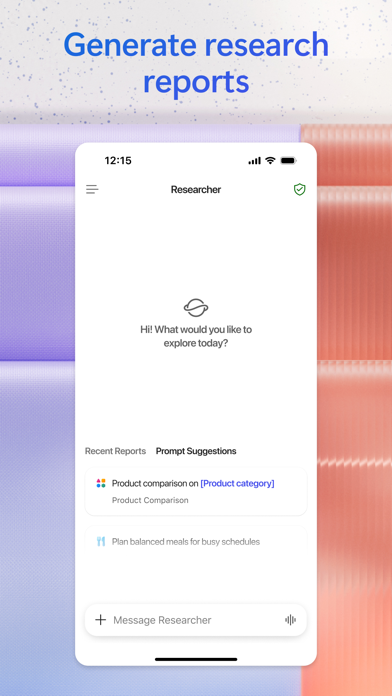
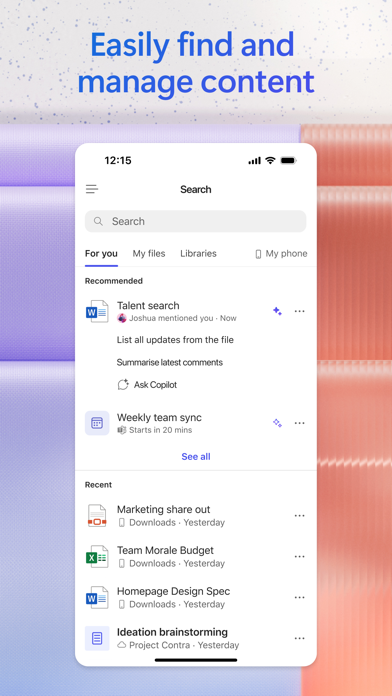
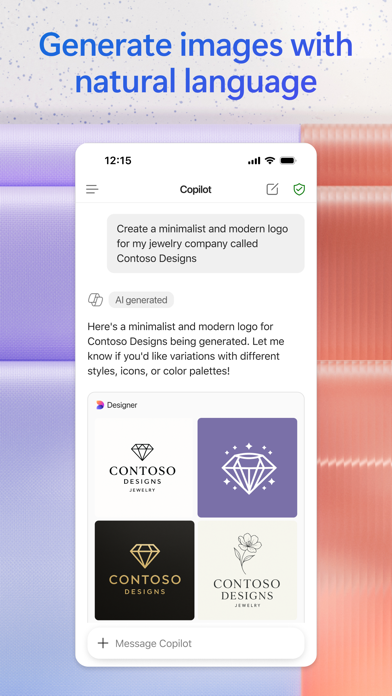
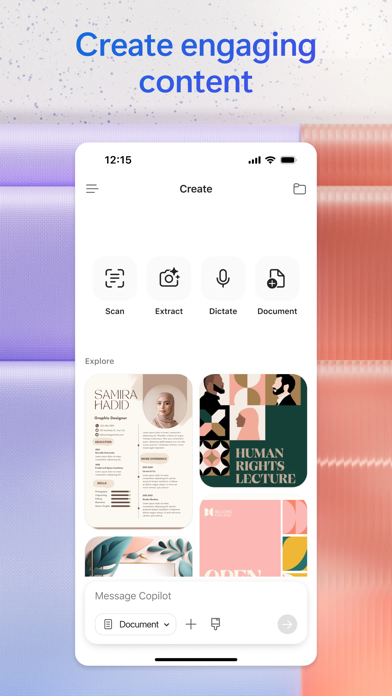
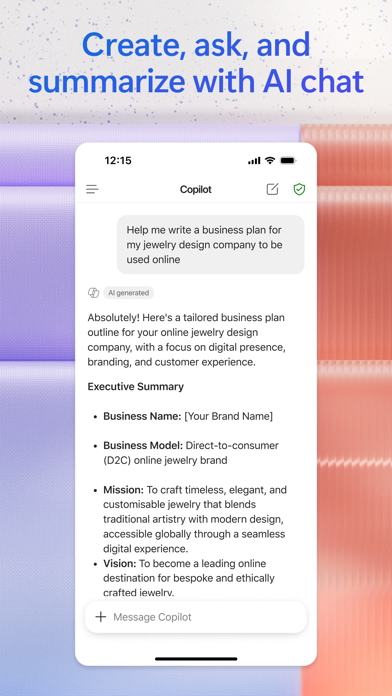
The Microsoft 365 Copilot app is your AI-first productivity app for work. It provides one place for you to chat with your AI assistant1, create content, manage projects and quickly find files on the go – helping you get more done, without doing more. With the Microsoft 365 Copilot mobile app, you can1: • Chat with your AI assistant – Ask Copilot to create or summarize a document, draft an email or analyze a spreadsheet using natural language. • Interact with voice – Talk to Copilot to help you prepare for your day, get answers and brainstorm ideas. • Find what matters fast – Find the strategy deck you were working on recently, or a file that was attached to an email. • Accelerate your learning – Ask Copilot to explain a concept, summarize recent trends or help you prepare for a presentation. • Get expert insights – Use built-in AI agents like Researcher and Analyst to generate research reports and analyze complex datasets. • Create polished content– Create and edit images, posters, banners, surveys and more with easy-to-use templates. • Manage projects easily – Bring together ideas, documents and links and ask Copilot to summarize and connect the dots with Copilot Notebooks. • Upload and save documents – Upload Word, Excel or PDF files from your phone’s storage to get answers from Copilot. Sign in with your work, school or personal Microsoft account to start using the app today. 1Availability of Microsoft 365 Copilot features may vary. Some capabilities require specific licenses or may be disabled by your organization's administrator. See this webpage for more information on feature availability by license: https://support.microsoft.com/topic/understanding-the-different-microsoft-copilot-experiences-cfff4791-694a-4d90-9c9c-1eb3fb28e842 Please refer to Microsoft’s EULA for Terms of Service for Microsoft 365. By installing the app, you agree to these terms and conditions: https://learn.microsoft.com/legal/microsoft-365/microsoft-365-copilot-mobile-license-terms

Screenshots

Reviews

  • Everything in 1 place!

    5
    By Riaboxx
    This has made our jobs so much easier, The employees and bosses can all see and work on what needs worked on from anywhere at anytime!
  • Annoying

    1
    By Annoyeddddddddddddddgffhhh
    I don’t know why they can’t name their apps appropriately. I don’t know what this app does and it’s always asking for a review so here it is.
  • App

    1
    By Ph.D. G
    What does this app do? What is it for? Why does it take over your screen? How is this not wasting my time?
  • Finally — an AI that keeps up

    5
    By Njiraini
    Copilot surprised me. I run two high‑end PC rigs, tune hardware, manage multi‑gig networking, and deploy local AI models — and this is the first assistant that actually keeps up. It breaks down complex problems clearly, explains the “why,” and handles real technical depth without falling apart. Even better, it switches effortlessly between engineering‑level reasoning and natural, polished writing when I need it. If you’re a builder, tinkerer, or anyone who works with serious hardware or AI workflows, Copilot isn’t just helpful — it becomes part of your setup fast
  • Ghost “work” email preventing personal access

    1
    By writepaige
    Look, I was enjoying my foray into the desktop version of my 365 Copilot—so I downloaded this app. Then, the trouble began. After an hour of step-by-step troubleshooting, reviewing over a dozen setting options in my phone, restarting my phone 3x, and redownloading this app 3x, I sill can not access my personal outlook account. A phantom work email continues to interfere, and I should not be spending an hour to connect to one friggin’ app. Microsoft has failed here, and it should be my duty to figure it out. I tried. You failed. Maybe make a note of this issue and fix it.
  • Coach T

    5
    By Coach T 2026
    Easy and so so efficient. I love it.
  • Dissatisfied

    1
    By Mrs.Sanders82
    My text would not show. Like it was invisible.
  • In Awe

    5
    By CherokeeMedic
    I have situations where I have struggled to do it right and copilot has helped me beyond my imagination. Currently working on a 17 page affidavit for a domestic violent situation. If copilot was a human I would give him a big hug. 🥰
  • Missing Chat Search Functionality in Microsoft 365 Copilot Mobile App

    3
    By Henrysalazard
    Hello Microsoft Copilot Team, I would like to report a possible issue or recent change in the iPhone mobile app experience for Microsoft 365 Copilot. Previously, I was able to search within existing chat conversations using the magnifying glass/search feature by typing keywords. This functionality was very helpful for navigating previous work-related conversations efficiently. Currently, the feature appears to be missing or unavailable in the mobile app, although it still works correctly on the desktop version. I am not sure whether this is an intentional UI change or a bug introduced in a recent update. I wanted to share this feedback because the chat search capability is very useful in corporate workflows and productivity environments. Thank you for your work and continued improvements to Copilot.
  • That app used to work fine…now not so much

    1
    By Mr Picklechip
    Until about a month ago the app was actually very good. It ties in with my work paid Copilot subscription so my chats cross platforms nicely…but recently the following has broken and has made this app almost useless: -I can write one chat…when I try writing another prompt the text window is frozen and I have to reboot -Some of my agents now get in a loop where will ask me to allow permission to access my information over and over again. When this happens it is game over for that agent and I just cannot use it for awhile. Microsoft…I’m a huge fan of yours across the board. Fix these issues that you introduced and this app goes back to a 5/5!

keyboard_arrow_up