Microsoft OneNote

Microsoft OneNote

By Microsoft Corporation

  • Category: Productivity
  • Release Date: 2014-03-17
  • Current Version: 16.108.2
  • Adult Rating: 4+
  • File Size: 427.53 MB
  • Developer: Microsoft Corporation
  • Compatibility: Requires iOS 14.0 or later.

Description

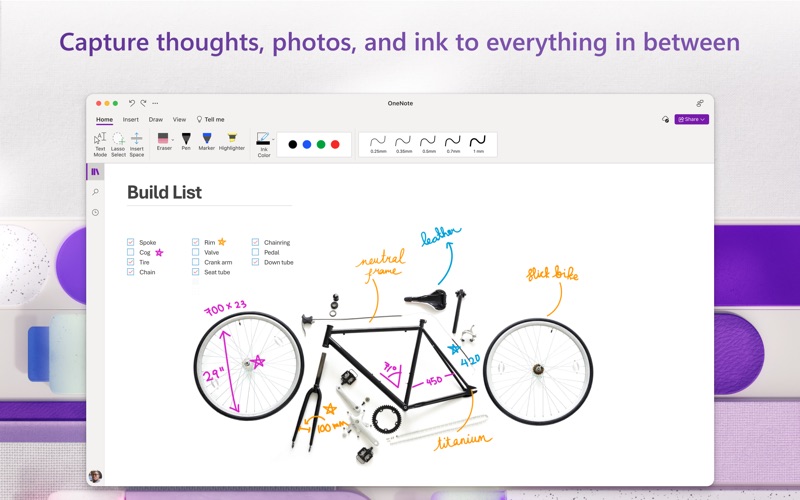
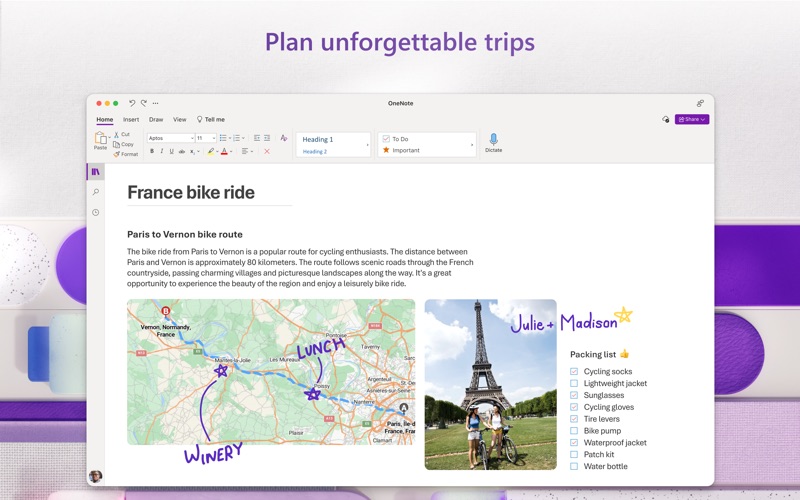
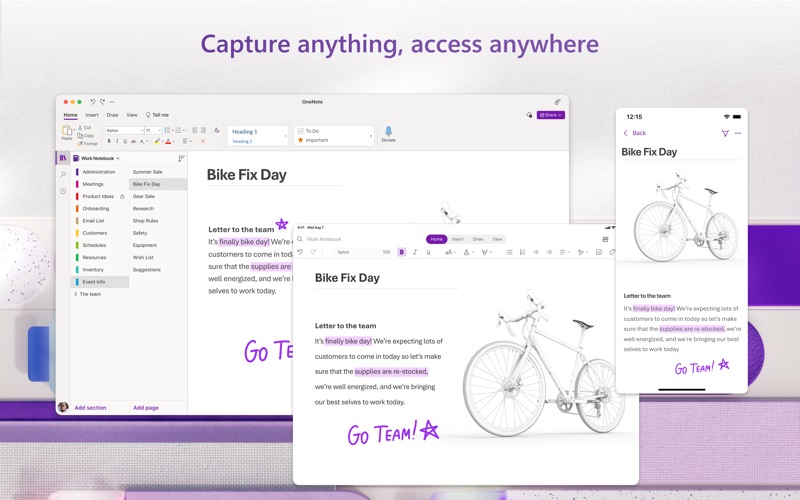
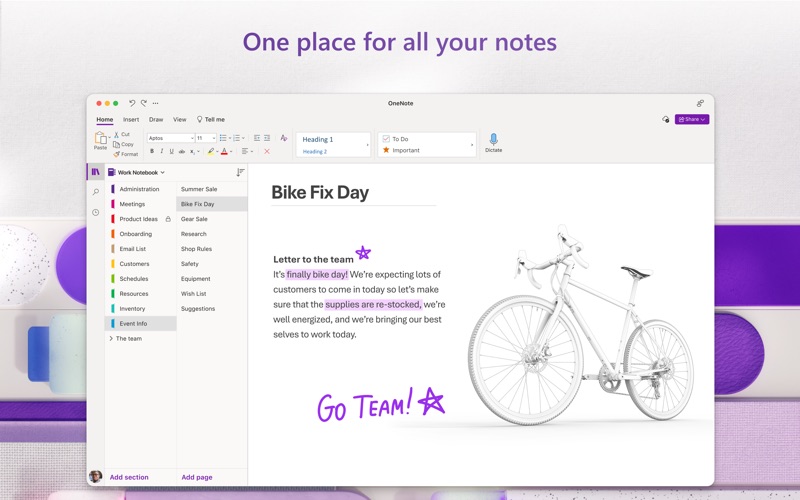
Capture your thoughts, discoveries, and ideas in your very own digital notebook using OneNote for Mac. Now it is easier than ever capture your thoughts, add pictures or files, and share notes across your devices and with others. Share your notes and collaborate in real time with colleagues or friends. Type anywhere on this free-form canvas, use a digital pen to write or draw, and add pictures and files right in your notes. Whether you’re at home, in the office, or on the go, OneNote in your go-to digital notebook. Capture Anything • Write memos, make a digital sketchbook, or jot down notes. • Save pictures of whiteboards, photos or printed documents in your notes. Take a picture, crop, and insert right into OneNote. • Highlight can’t-miss notes with Important and To Do tags. • Use a variety of digital pen colors and settings to create handwritten notes and drawings. • Draw with confidence with tools like “Convert to Shapes” which automatically converts hand drawn shapes into crisp, perfectly regular polygons and circles. Organize, Search and Secure • Organize your notes in a way that works for you using tabs, labels, and color coding to keep track of all your projects. • Create, rename, search, sort, and copy pages, sections, and entire notebooks. • Find your most recent notes quickly and pin the pages you most use to the top. • Secure your notes with a password and control permissions when sharing with others. • Track daily to-dos, flag questions to raise after a meeting, or mark important points. Collaborate and Share • Share ideas and your notes with friends and colleagues. • Collaborate in real time using a shared notepad. • Sync your notes to the cloud (OneDrive, OneDrive for Business*, and SharePoint), making it easy to access your notes anywhere. *For you to sign in to OneDrive for Business, your organization needs to have a qualifying SharePoint Online or Office 365 business subscription plan. You cannot sign in with an account from an on-premises directory. Learn more about Microsoft 365 Microsoft 365 is a cloud-based subscription service that brings together premium versions of Word, Excel, PowerPoint, Outlook and OneDrive, with the best tools for the way people work today. Please visit: http://go.microsoft.com/fwlink/?linkid=2015120 for information on Licensing Terms. Unlock the full Microsoft Office experience with a qualifying Microsoft 365 subscription for your phone, tablet, PC, and Mac.  Microsoft 365 annual subscriptions purchased from the app will be charged to your App Store account and will automatically renew within 24 hours prior to the end of the current subscription period unless auto-renewal is disabled beforehand. You can manage your subscriptions in your App Store account settings. This app is provided by either Microsoft or a third-party app publisher and is subject to a separate privacy statement and terms and conditions. Data provided through the use of this store and this app may be accessible to Microsoft or the third-party app publisher, as applicable, and transferred to, stored, and processed in the United States or any other country where Microsoft or the app publisher and their affiliates or service providers maintain facilities.
Screenshots

Reviews

  • great

    5
    By JoeGIII92
    great memory and organization. lots of content wish there was more memory
  • Why must I have an account?

    1
    By Davidcsi
    I do not like the fact MS wants me have and log in with an account when I don’t use M$Teams on my daily work.
  • Useful, not perfect

    4
    By Mattizcoop (mac)
    It’s not quite as seamless as some other clipping services I’ve used but it works and I’m paying for it anyway.
  • Doesn’t sync anything, no way to debug

    1
    By Nitro_Bacon
    typical microsoft failure.. nothing useful online for anyone with the same problem, just Indian guys offering empty copy-pasted platitudes. Relogging/reinstalling doesn’t fix anything.
  • Needs to capture the Windows version of things better

    3
    By Snooz_Button
    Just read the title. I’ve used four different versions of OneNote, the Mac/Apple side of things has it being a little lackluster comparatively. It’s not that I can’t get work done, but the way I handle the work now forces me to be different and I struggle to understand why when this should be nearly the same app UI and UX across every device.
  • Nagware

    1
    By GlitchLXIV
    Any app that constantly nags me to rate/write a review gets 1-star regardless of how good it actually is.
  • Has major issues

    1
    By Under PSI
    I've been using OneNote for years—first on PC then Mac. OneNote user experience has issues when it comes to formatting, especially when it comes to text that is pasted. But the major issue is that many of my images/screenshots are no longer viewable… just boxes with X’s. Also, the app has a difficult time syncing and is buggy. I’m locked into this app just because it is where all my info resides. Otherwise I would look for alternatives.
  • OneNote is great

    5
    By More-Notes
    The current version of OneNote is great, BUT i still use OneNote 2016 on my PC and wish it was available for my Mac, PLEASE bring it back, there are features I miss, PLEASE, I have been using OneNote sense it cam out, so I would say thumbs up for OneNote
  • Clunky mess

    1
    By SoftwareGuru007
    1. Organization feels “flat” and limited You can only organize notes as notebook → section → page—there’s no built-in database, backlinks, or deep tagging system. Example: If you’re researching a topic across 20 notes, you can’t easily connect ideas like you would in Notion or graph-based tools—everything stays siloed. 2. Performance drops with heavy use Large notebooks (lots of images, handwriting, or years of notes) can lag or freeze. Example: Users report delayed pen input, choppy scrolling, or even temporary lockups when pages get dense. 3. Inconsistent experience across devices Features and UI differ between Windows, iPad, Android, and web versions. Example: Something that works on desktop might be missing or behave differently on mobile, forcing you to adapt your workflow depending on device. 4. Weak automation and “smart” features There’s no native system for automations, workflows, or advanced filtering. Example: You can’t automatically turn notes into tasks, build dashboards, or run rules without external tools—everything stays manual. 5. Clunky handling of certain content types PDFs and images can behave awkwardly. Example (from users): PDFs often act like static images—hard to select text or annotate cleanly without workarounds. 6. Search and retrieval aren’t “smart” enough While search works, it lacks filters, saved queries, or AI-driven resurfacing. Example: You can find a note if you remember keywords, but the app won’t help you rediscover related ideas or organize knowledge automatically. 7. Sync and reliability complaints Syncing can be slow or inconsistent, especially with large notebooks or weaker connections. Example (user sentiment): delays in loading or syncing can interrupt workflows and create hesitation to rely on it fully.
  • Best organize everything

    5
    By pjg1424
    Best organize everything

keyboard_arrow_up