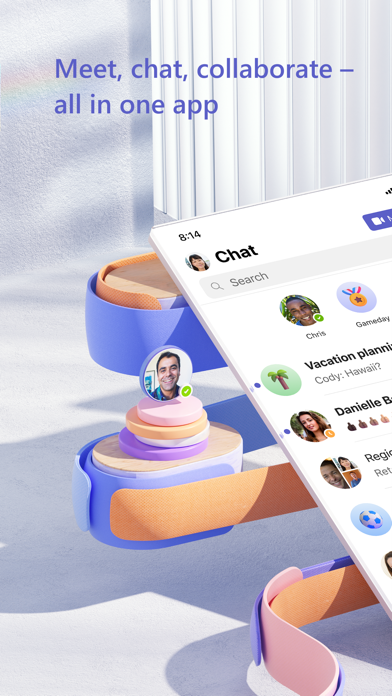
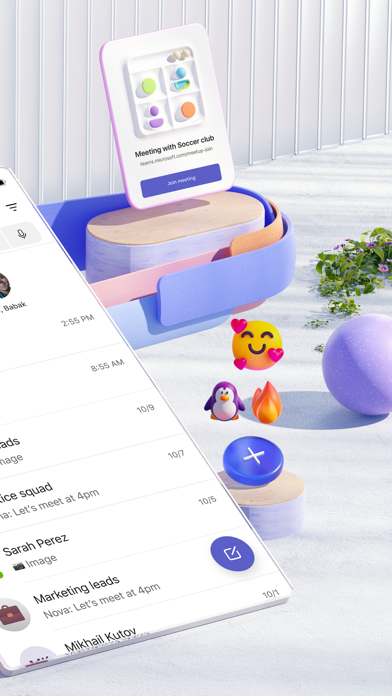
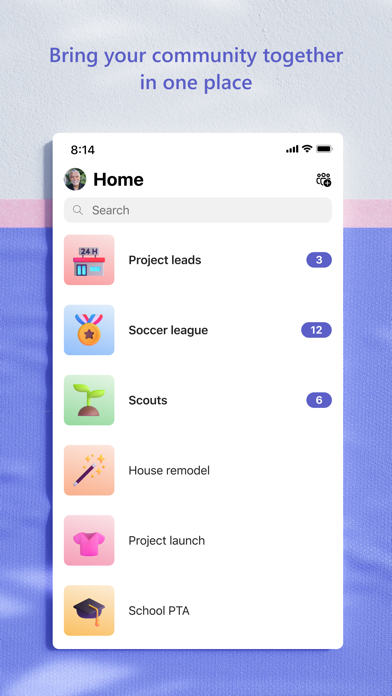
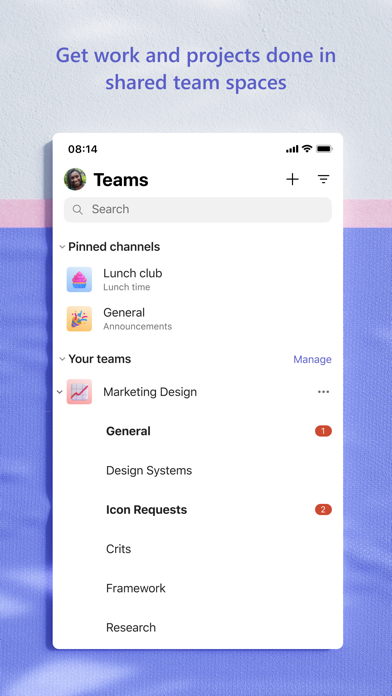
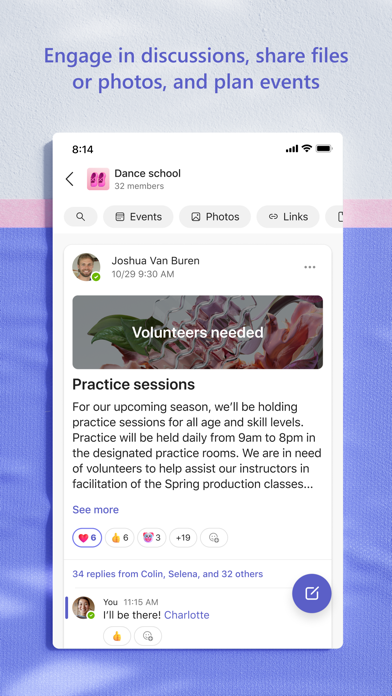
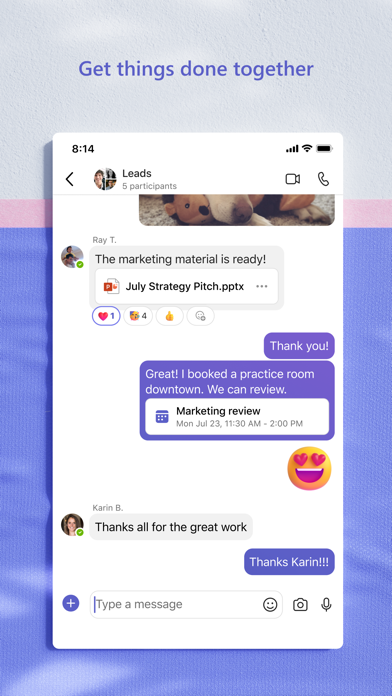
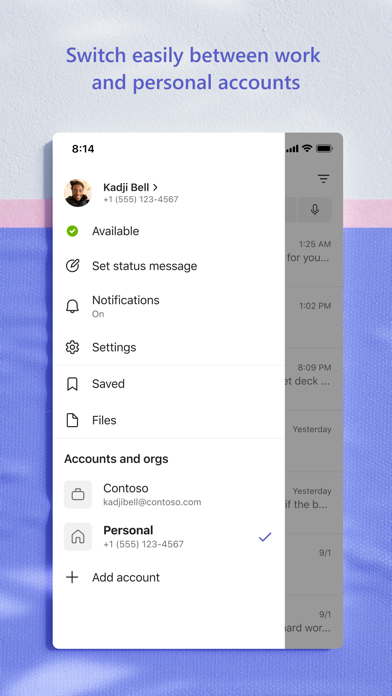
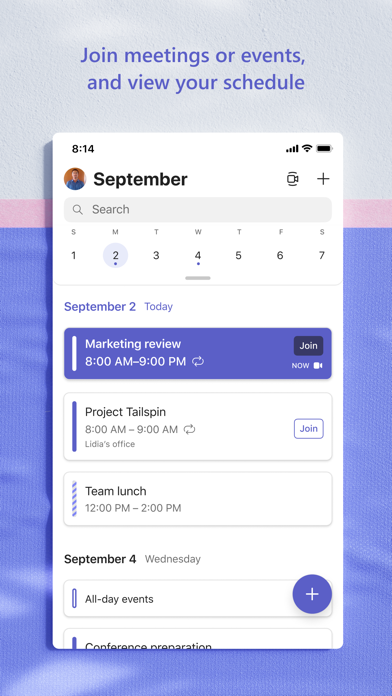
Whether you’re connecting with your community for an upcoming activity or working with teammates on a project, Microsoft Teams helps bring people together so that they can get things done. It’s the only app that has communities, events, chats, channels, meetings, storage, tasks, and calendars in one place—so you can easily connect and manage access to information. Get your community, family, friends, or workmates together to accomplish tasks, share ideas, and make plans. Join audio and video calls in a secure setting, collaborate in documents, and store files and photos with built-in cloud storage. You can do it all in Microsoft Teams. Easily connect with anyone: • Skype is now part of Teams. Continue where you left off with your chats, calls and contacts in Microsoft Teams Free. • Meet securely with communities, teammates, family, or friends. • Set up a meeting within seconds and invite anyone by sharing a link or calendar invite. • Chat 1-1 or to your entire community, @mention people in chats to get their attention. • Create a dedicated community to discuss specific topics and make plans*. • Work closely and collaborate by keeping conversations organized by specific topics and projects with teams and channels. • Video or audio call anyone directly in Teams or instantly convert a group chat to a call. • Use GIFs, emojis, and message animations to express yourself when words aren’t enough. Accomplish plans and projects together: • Send photos and videos in chats to quickly and easily share important moments. • Use cloud storage to access shared documents and files on the go. • Organize shared content in a community — events, photos, links, files —so you don’t have to waste time searching*. • Get the most out of your meetings by using screen share, whiteboard, or breakout in virtual rooms. • Manage access to information and ensure the right people have access to the right info, even when people join and leave projects. • Use task lists to stay on top of projects and plans - assign tasks, set due dates, and cross off items to keep everyone on the same page. Designed to give you peace of mind: • Securely collaborate with others while maintaining control over your data. • Keep communities safe by allowing owners to remove inappropriate content or members*. • Enterprise-level security and compliance you expect from Microsoft 365**. *Available when using Microsoft Teams with your Microsoft account. **Commercial features of this app require a paid Microsoft 365 commercial subscription or a trial subscription of Microsoft Teams for work. If you’re not sure about your company’s subscription or the services you have access to, visit Office.com/Teams to learn more or contact your IT department. By downloading Teams, you agree to the license (see aka.ms/eulateamsmobile) and privacy terms (see aka.ms/privacy). For support or feedback, email us at [email protected]. EU Contract Summary: aka.ms/EUContractSummary Consumer Health Data Privacy Policy https://go.microsoft.com/fwlink/?linkid=2259814