Microsoft To Do

Microsoft To Do

By Microsoft Corporation

  • Category: Productivity
  • Release Date: 2019-06-17
  • Current Version: 2.169
  • Adult Rating: 4+
  • File Size: 20.22 MB
  • Developer: Microsoft Corporation
  • Compatibility: Requires iOS 13.0 or later.

Description

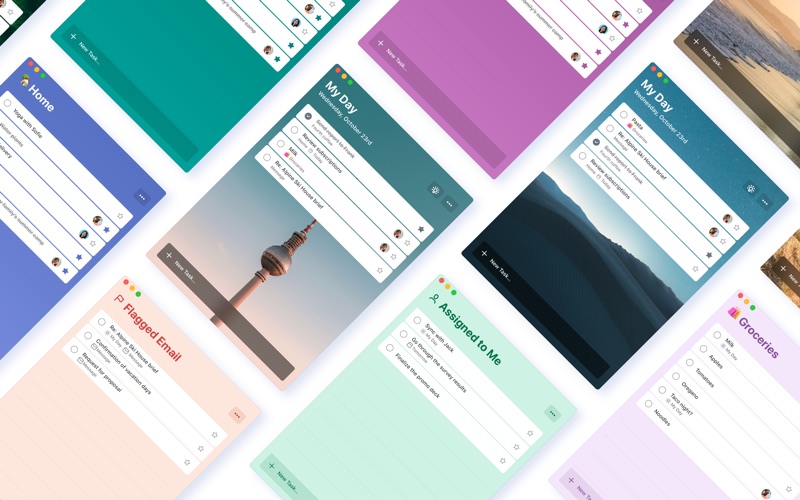
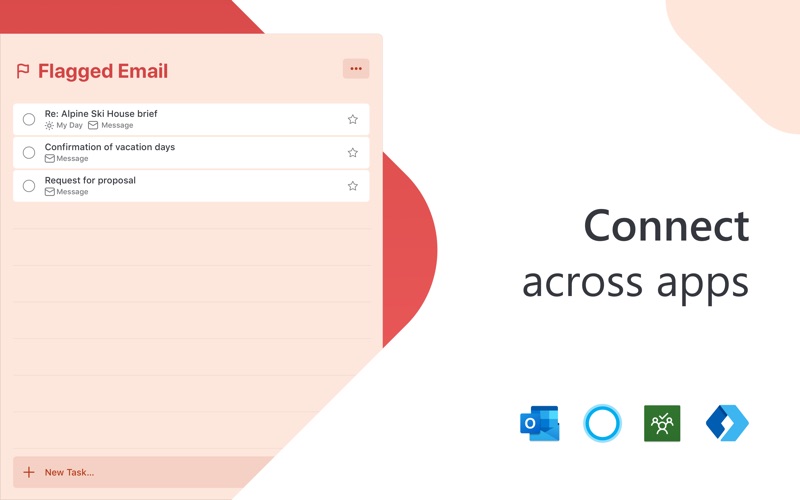
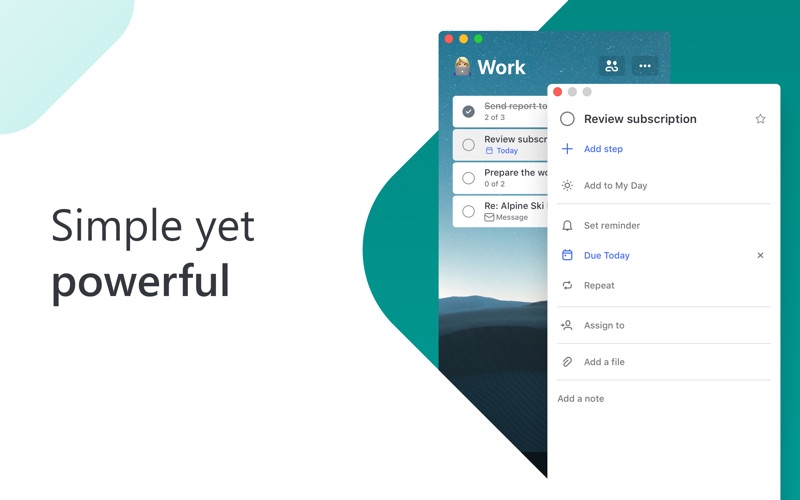
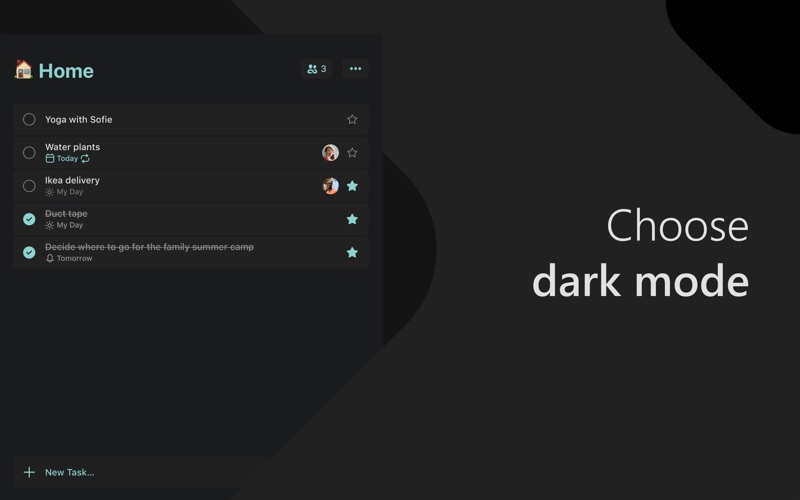
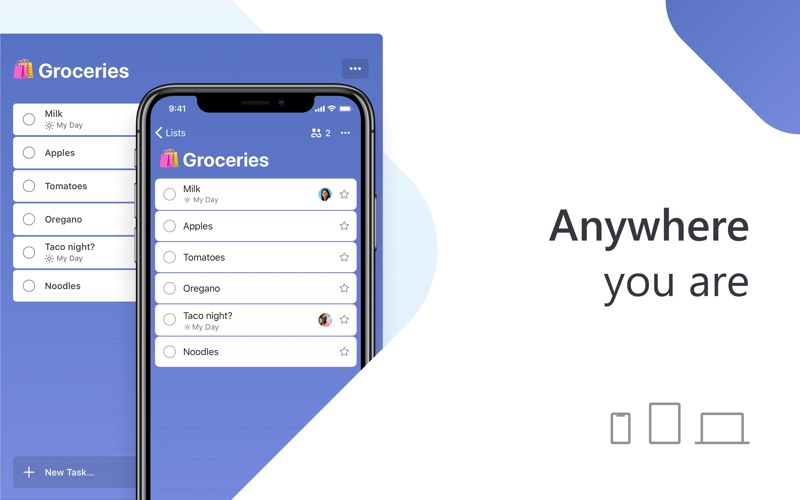
Stay organized and manage your day-to-day with Microsoft To Do. Make shopping lists or task lists, take notes, record collections, set reminders and more to improve your productivity and focus on what matters. Microsoft To Do is the task management app that makes it easy to stay organized and manage your life. Accomplish what’s important to you each day with My Day and Suggestions, personalized day planner tools. Daily tasks are simple with To Do, from grocery lists to housecleaning routines. Intelligent suggestions recommend tasks from across your lists that may be relevant each day. Microsoft To Do helps you quickly capture and retrieve your lists and tasks across devices. Sync reminders and tasks with Microsoft 365 to access them anywhere. Capture tasks from different Microsoft apps and services and sync them with Microsoft To Do, from flagging emails as tasks in Outlook to lists from Cortana. Your tasks and lists are hosted securely on the Microsoft 365 service. Make your lists unique with customizable features like emoji, colorful themes, dark mode and more. Stay connected and collaborate with friends and family by sharing lists to coordinate. Microsoft To Do Features: Daily Planner • Stay focused with My Day, a personalized daily planner with suggested tasks • Get your lists anywhere, on any device • Add notes to any task Task Manager • Share lists and tasks with your friends, family, colleagues, and classmates • Create color-coded lists • Set one-time or recurring due dates and reminders • Break your tasks into manageable steps • Attach files up to 25 MB to any task To Do Lists for Any Purpose • Bill planner • Shopping lists • Set reminders • Task management • Business calendar • Note taking • And more Microsoft 365 Integration • Sync your tasks between Outlook and To Do • Host lists and tasks with the reliability and security of Microsoft 365 • Compile tasks from across your Microsoft 365 apps and services Whether it's for work, school, or home, To Do helps you organize and simplify your plans. To Do is free and available on all your devices. Learn more: https://to-do.microsoft.com Follow us on Twitter: @MicrosoftToDo Have an idea or feature suggestion? https://go.microsoft.com/fwlink/?linkid=2171952 Need support? https://go.microsoft.com/fwlink/?linkid=2156547 By installing Microsoft To Do, you agree to the Microsoft Terms of Use: https://go.microsoft.com/fwlink/?linkid=842575

Screenshots

Reviews

  • Currently unstable

    2
    By ilikemyrealname
    The latest update from last month caused bug(s) which has made the app unstable. When the app isn't crashing, it's constantly pausing and causing the beach ball to come up. Because of these issues, at this time it is unusable on my Mac; I can only access my to do lists via iOS until the devs resolve this issue. I really wish Apple would allow users to rollback to previous/stable versions for situations like this.
  • MAC user’s can’t toggle between accounts

    2
    By MDR$22
    Unlike PC’s, to do doesn’t allow MAC users to toggle or “manage accounts” making it hard to use when we have multiple Microsoft accounts we’d like to manage to do’s for.
  • Made me update, now I'm loged out and can't log back in.

    1
    By Amethyst🫶🏻
    App is useless now
  • Strong Foundation, Needs Fixes

    4
    By Dan B. Tech
    I’ve been enjoying To Do—it’s simple, clean, and the ability to add steps inside a task is a big win. There are a few things holding it back, though. There’s no way to duplicate tasks without duplicating the whole list (which is tough for recurring workflows), the theme selection UI feels cut off, there’s no support for multiple profiles under one account, and there’s no true priority or labeling system. Overall, it’s still a great tool—just needs a bit more polish and functionality on the UX side. I’m hoping future updates continue to refine the experience.
  • UI Is Buggy

    3
    By pipentassle
    UI is somewhat buggy. If you click on a task and then complete it, then click on another task, it won’t always go to the other task, but stays on the tax you checked off.
  • MacBook app is mid

    3
    By Alisaspeaks
    I love MS to-do. But MacBook option is mid.
  • Prioritization

    4
    By kzgmama
    I would like to be able to prioritize tasks for each day: Urgent, Urgent/Important, etc. Even just being able to put them in order would be good.
  • Task Carryover

    4
    By B Sandman
    I Like everything about this app except that incomplete tasks are not automatically moved to the next ‘My Day.’ I’d give it 5 stars if it did. Having a Next Day folder is just added work.
  • Good Stuff

    5
    By blvu93
    Does what I wanted! Would like to change visual vertical sequence; sometimes can’t grab & drag to rearrange visual sequence, sometimes can, and I can’t tell why “sometimes”. Also would like to copy and paste into excel to make accomplishment / completed lists with dates. Othrwise works fine for me—I use it daily.
  • To-do are deleting my task randomly

    1
    By psevdonim222222
    I added some task with subtask, didn’t find it on my phone and then changed the name on that task on PC and reopened iOS App, task just disappeared. Another example, when you trying to add some task to «My Day» it will never appear in phone app what the hell is this. Was there bots left so much positive reviews? I’ve got mad already on login screen

keyboard_arrow_up